

Test Suite component automates the execution of your project’s tests. By integrating testing into your pipeline, you can ensure that new changes do not introduce regressions.Documentation Index
Fetch the complete documentation index at: https://www.sunny-dev.info/llms.txt
Use this file to discover all available pages before exploring further.
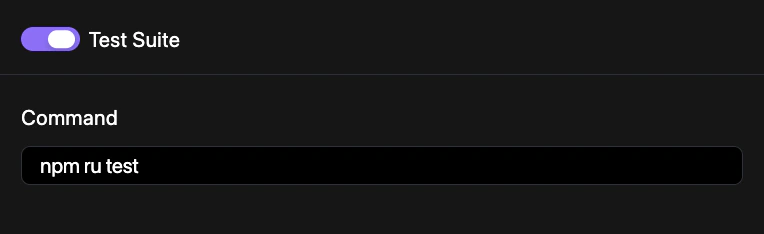
How to Configure
Manage your testing automation through the project dashboard.Access Repo Preferences
Navigate to YAML Configuration > Repo Preferences and locate the Pipelines section.
Commit Changes
Save your configuration to the repository. See Syncing Changes for a detailed walkthrough.
Configuration Example
Enable the test suite in yourrevolte.yaml:
revolte.yaml