

The Agent Workflow enables Revolte’s AI agent to assist you directly within your repository context.Documentation Index
Fetch the complete documentation index at: https://www.sunny-dev.info/llms.txt
Use this file to discover all available pages before exploring further.
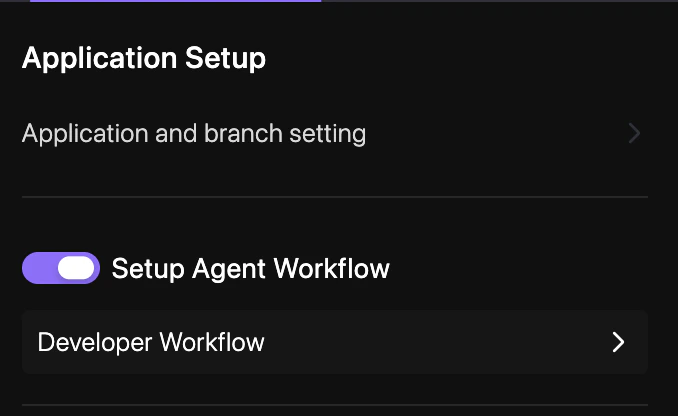
How to Enable
Follow these steps to activate the AI Agent for your repository.Navigate to Repo Preferences
Open your project dashboard and select YAML Configuration > Repo Preferences.
Commit Changes
Enter a commit message and select your target branch to persist the changes. See Syncing Changes for a detailed walkthrough.
Configuration
In yourrevolte.yaml, you can toggle this workflow globally:
revolte.yaml