

The Pipeline view in the Deployments tab provides real-time visibility into your software delivery process. It allows you to track the progress of every stage, from build to production promotion.Documentation Index
Fetch the complete documentation index at: https://www.sunny-dev.info/llms.txt
Use this file to discover all available pages before exploring further.
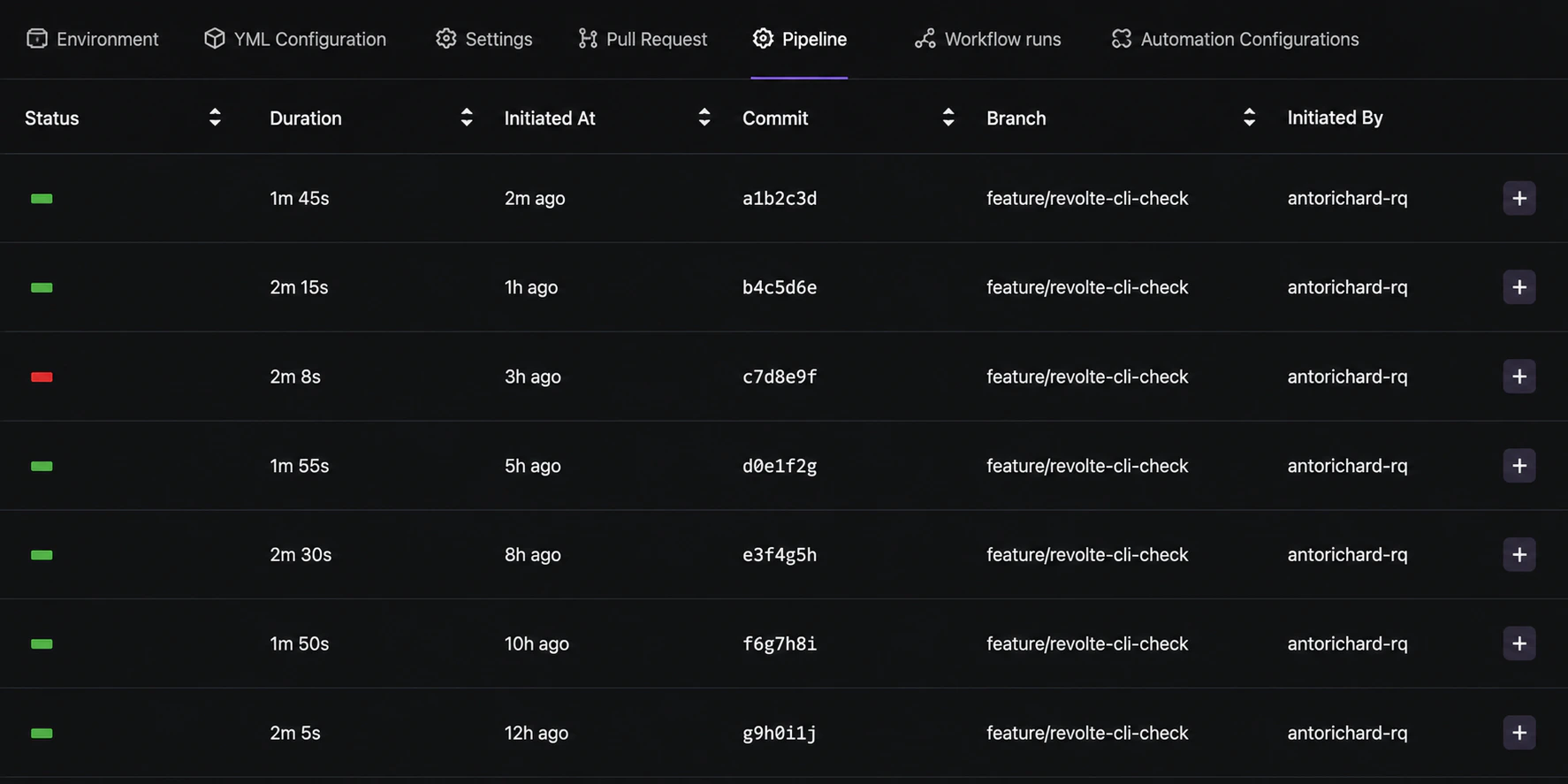
Execution Monitoring
While pipelines are defined in Repo Preferences, the Deployments tab is where you monitor their real-time execution and results.- Stage Tracking: View the status of Code Quality, Test Suite, and Build stages.
- Real-time Logs: Stream logs directly from the pipeline runner to debug failures instantly.
- Execution History: Access previous pipeline runs to compare performance and track changes.
Manual Gates & Approvals
For sensitive environments, pipelines can be configured with manual gates through your repository’s YAML Pipeline Config.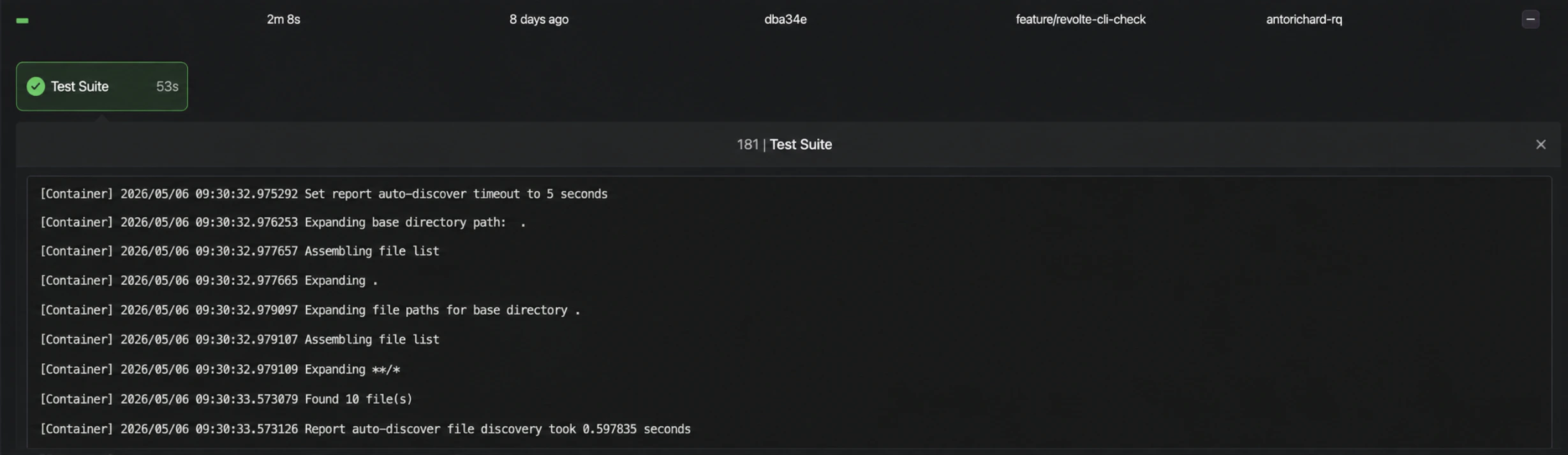
- Approval Requests: When a pipeline reaches a manual gate, designated team members are notified to review and approve the promotion.
- Audit Logs: Every approval or rejection is logged with the user’s details and timestamps for compliance.
- Environment Promotion: Once approved, the pipeline automatically proceeds with the deployment to the target environment.