Documentation Index
Fetch the complete documentation index at: https://www.sunny-dev.info/llms.txt
Use this file to discover all available pages before exploring further.
Dashboard Guide
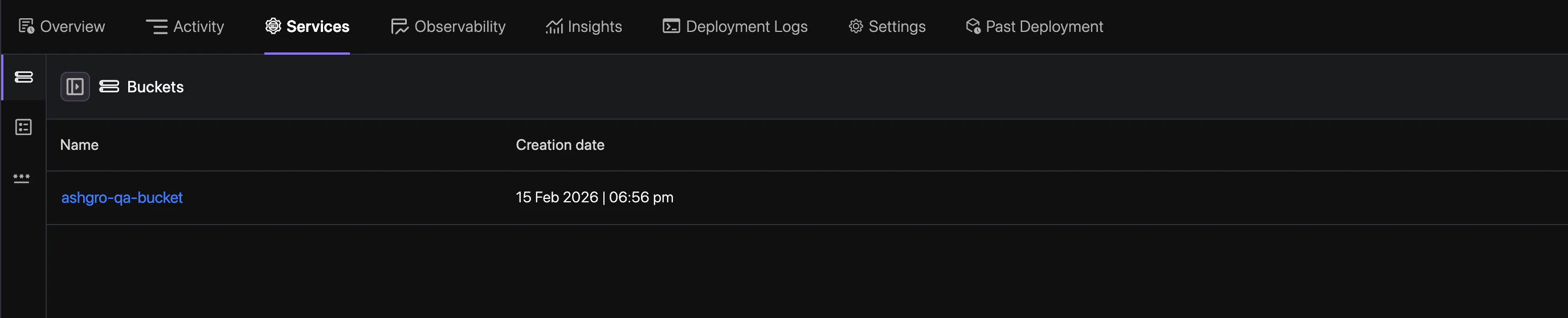
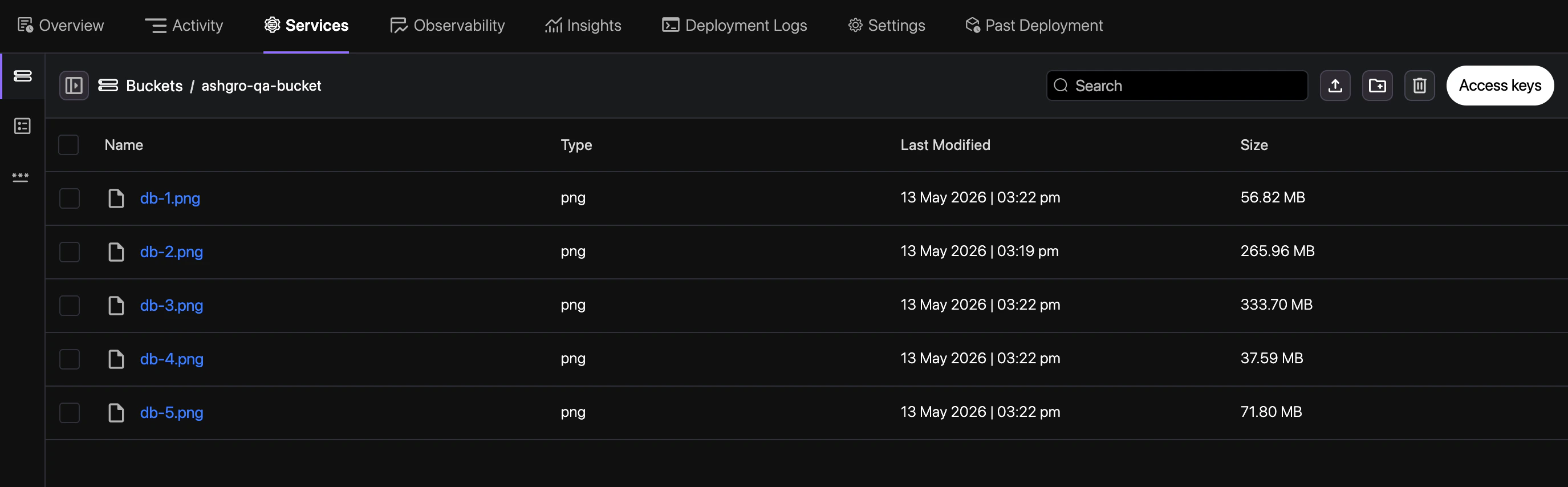
Select Storage Service
Navigate to your application, go to the Services tab, and select the Storage Bucket
service you wish to explore.