Documentation Index
Fetch the complete documentation index at: https://www.sunny-dev.info/llms.txt
Use this file to discover all available pages before exploring further.
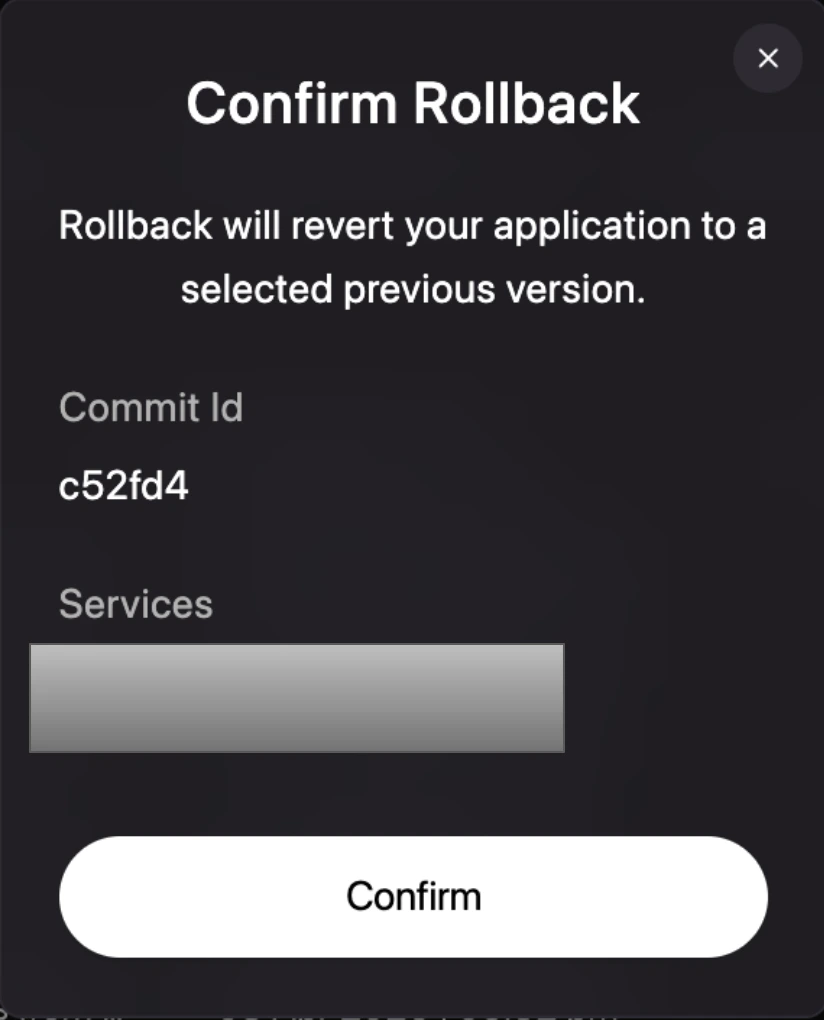
One-Click Revert
The fastest way to recover is to select a previous deployment from your history and promote it back to production.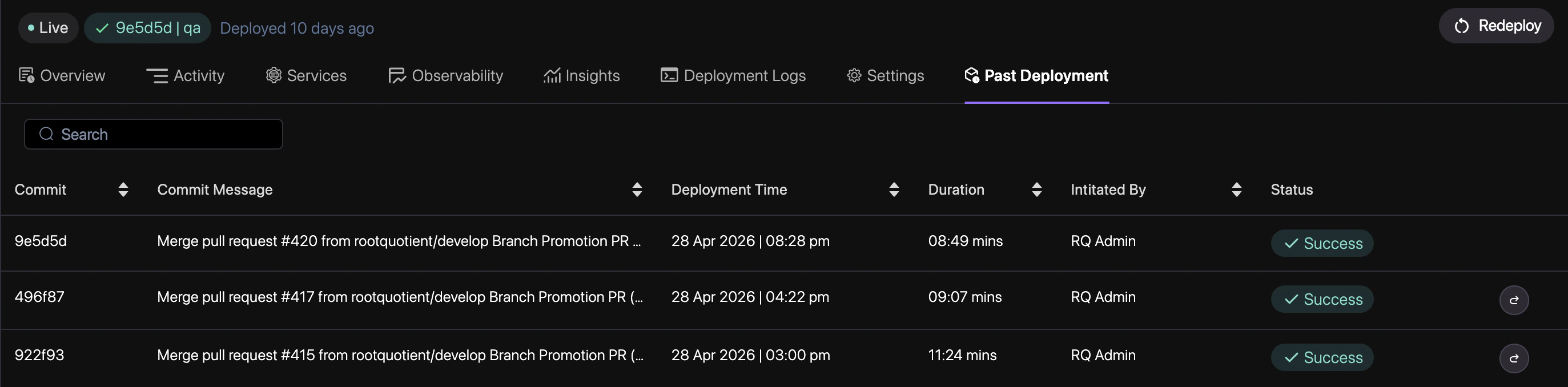
Navigate to History
Go to the Deployments tab in your project dashboard to see the timeline of all releases.