

The Pipeline settings allow you to automate the verification of your codebase through integrated code quality analysis and comprehensive test suites.Documentation Index
Fetch the complete documentation index at: https://www.sunny-dev.info/llms.txt
Use this file to discover all available pages before exploring further.
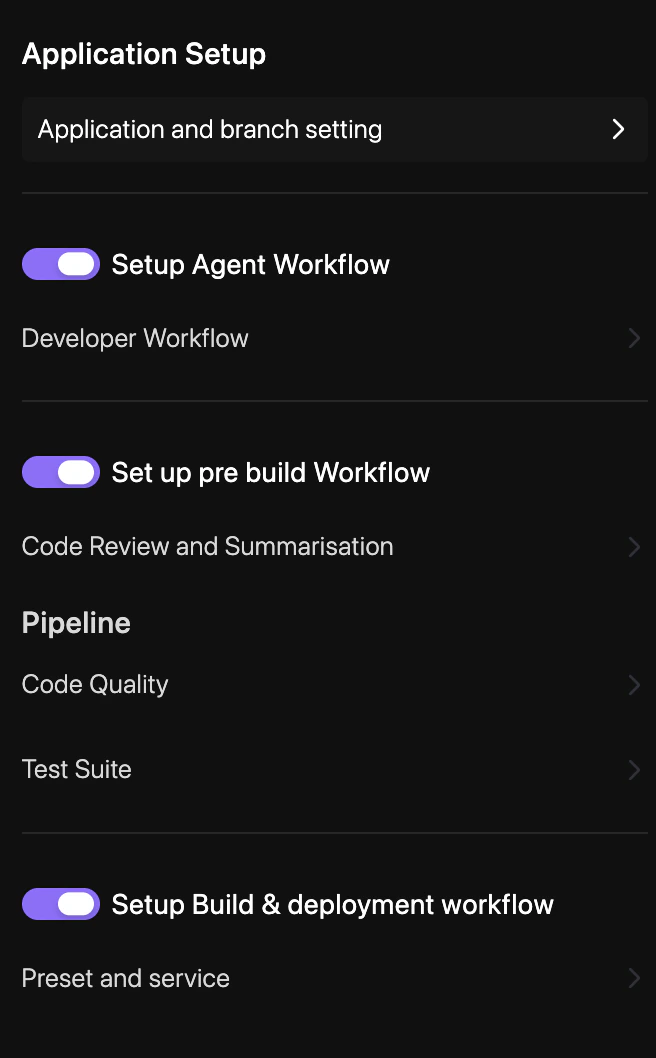
How to Configure
Enable Quality Checks
Select the static analysis tools and security scanners you want to run on your branches.
Configure Test Execution
Define the commands (e.g.,
npm test, pytest) and environments required to run your test suites.